I am a Guest Designer today on
TheBugBytes!! I transformed my $1 wooden frame into a beautiful project with a little help from my Gypsy! Let me show you how:
I picked up this frame at Michaels along with these Martha Steward flowers. I added some paper, paint and mod podge from home.
The first thing I did was to turn over my pretty paper and trace the frame on the back side in pencil.
Then I cut it out.
I set the paper aside and painted the edges of the frame red.
I used Glossy mod podge to stick the paper to the frame. I brushed a sort-of-thin coat on the frame and put the paper on top.
I smoothed down the paper as it likes to bubble a bit.
For the top of the paper, I used sparkle mod podge. If you don't have sparkle mod podge, you can add glitter to your regular mod podge.
You can see there is a spot that wrinkled a bit. It doesn't help that my paper is thick. No worries, I will show you how to cover that right up!!
I pulled out my stash of ribbons and buttons that match my color scheme.
On mh Gypsy I find the images I want to use from my Sweethearts cart. I finally bought this one (glad I did) as I have been eyeing it for the past year!! I put "Love" and the lock and key on the mat.
I tapped the plus sign and opened up a second layer.
I put a rectangle on the second layer to represent the frame to the right of the heart cut out.
I unlinked the chain between Width and Height (called the Aspect Ratio Link) so I could specify the width and height of my rectangle.
I also tapped the Real Dial Size button so my rectangle is a true size. I am using a rectangle from George and Basic Shapes and I know from experience that I need the Real Dial Size!!
I set my width to 3.5....
and my height to 6.00.
Then I tapped on Layer 1 and sized the word LOVE to fit my rectangle width.
The key looked smaller than the lock, so I moved it closer to the lock and rotated it -40.0 so I could get a closer look.
I enlarged the key to 1.72w x 1.89h.
Then I moved the pieces where I thought I would want them on the frame.
While the pieces were cutting, I started placing the flowers on the frame. I knew I would not have enough for the entire heart and I bought the last pack, so I filled in the spaces with buttons and ribbon.
Once I had everything laid out, I used glue dots to glue them down.
This is the paper I used for my cuts! Love this shimmer stack!!
I did want to show that I moved my cuts to the top left corner to cut in order to save paper.
Here are the cuts ~ very pretty but a little light in color.
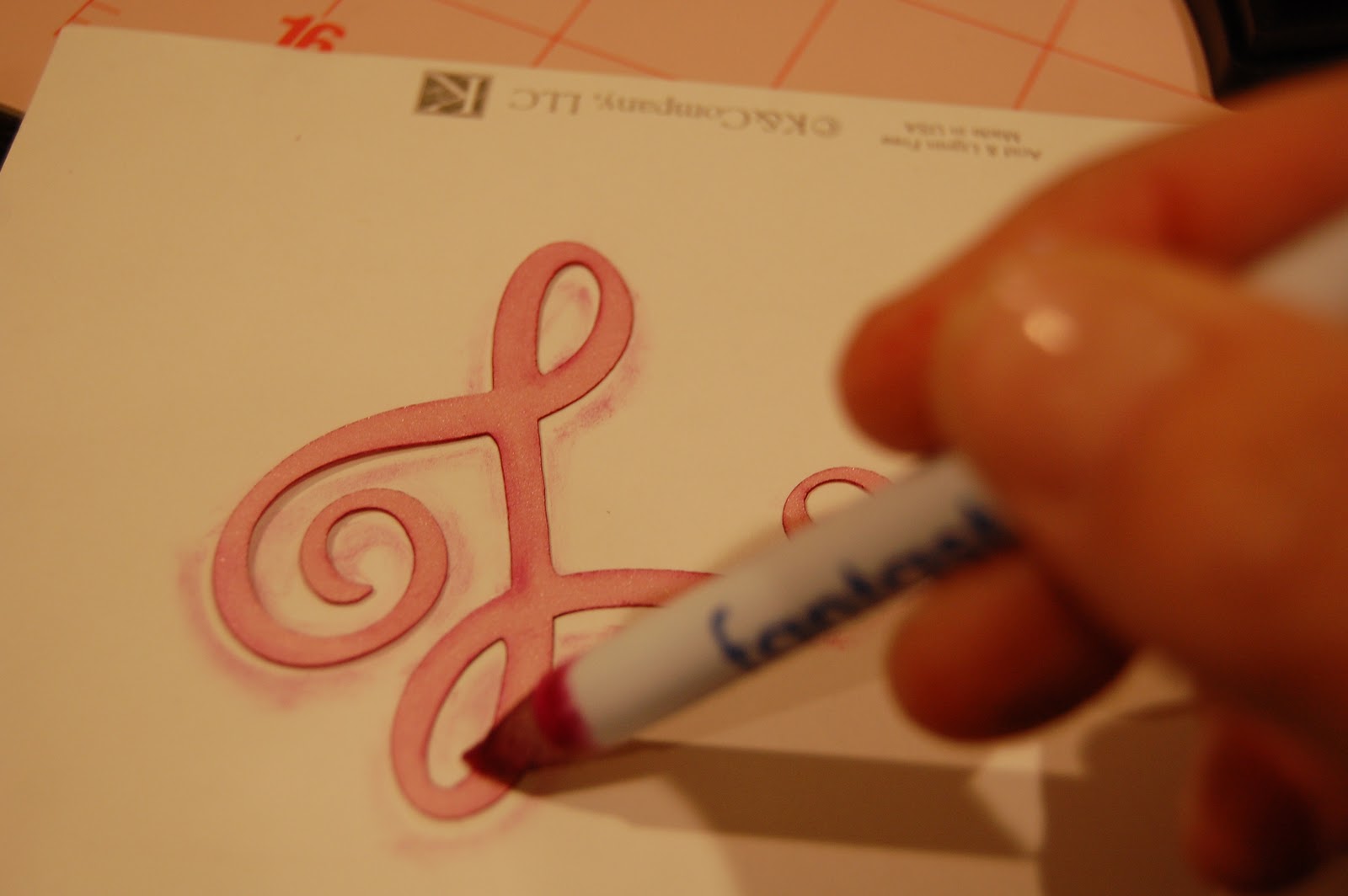
I couldn't decide which ink color to use, so I did a test on the scrap piece of my top 4 choices. And the winner is........my aAcient Page Stampin Up cranberry pad from a looooong time ago!
I used my Fantastix to ink around the edges.
I kind of like the look on the scrap piece too!
This part took forever....finding a photo to go inside the frame!! I took this one of my husband and I on a carriage ride at the Phoeniz Zoo looking at Christmas lights. Don't you love our sweatshirts?!? I used the heart insert to trace and cut out the photo.
I used lace to help cover up that wrinkle. I tied the key to the lock with some thin ribbon.
I put the LOVE at an angle.
I love how it turned out!!!
Thanks Pam for having me at the Bug Bytes today!!!